September 21, 2026
Notero vs Fathom: Comparing AI Meeting Assistants
Both Notero and Fathom offer automatic transcription, AI summaries, and searchable meetings. Here's how they compare.

Maryna Malieieva
6 min read
Maryna Malieieva
July 2, 2026 · 7 min read
Notero is an AI-powered meeting assistant that records, transcribes, and summarizes your calls across Google Meet, Zoom, and Microsoft Teams. Connect your Google Calendar and Notero's bot will automatically join your scheduled meetings. After the meeting, you can ask the built-in AI assistant any question and get an instant answer from the transcript.
Otter.ai is one of the well-known names in the AI transcription space. It offers real-time transcription, AI summaries, and a meeting assistant that can join your calls on Zoom, Google Meet, and Microsoft Teams. Otter also positions itself as a "knowledge base" — aiming to make all your meeting content searchable and organized.
| Feature | Notero | Otter |
|---|---|---|
| Platforms | Google Meet, Zoom, Teams | Google Meet, Zoom, Teams |
| Languages | 60+ | 3 (English, French, Spanish) |
| Speaker labels | Yes | Yes |
| Timestamps | Yes | Yes |
| Auto-join via calendar | Yes | Yes |
Core transcription is similar, but Notero has a major advantage in language support (60+ vs only 3). If your team works in any language beyond English, French, or Spanish — Otter simply won't work.
Both generate useful summaries. Otter's minute caps on lower plans can be limiting for teams with frequent meetings.
Very similar experience. Both assistants pull answers directly from transcripts and deliver them quickly.
Both offer solid organization. Otter's AI Channels are a nice touch for teams managing a high volume of meetings. Notero keeps things clean and focused.
Both cover the essential integrations. Notero offers broader connectivity out of the box with Webhook support. Otter locks some integrations (like CRM) behind higher-tier plans.
Notero wins clearly. For any team that operates in more than three languages, this is a dealbreaker for Otter.
Both are secure for business use. Otter has a slight edge in formal compliance certifications on the Enterprise tier.
| Team Size | Notero Pro | Otter Pro (annual) | Otter Business (annual) |
|---|---|---|---|
| 1 person | $15/mo | $8.33/mo | $19.99/mo |
| 5 people | $15/mo | $41.65/mo | $99.95/mo |
| 10 people | $15/mo | $83.30/mo | $199.90/mo |
| 20 people | $15/mo | $166.60/mo | $399.80/mo |
Notero is significantly more affordable for teams. The flat $15/month for unlimited users vs Otter's per-seat model is a massive cost difference at scale.
Both Notero and Otter are capable AI meeting assistants. They share the same core functionality, and the differences are in approach, platform coverage, and pricing:
Get started today with accurate summaries, search, and flat team pricing.
Discover tips, product updates, and AI-powered workflows that help teams stay focused, organized, and aligned.
Both Notero and Fathom offer automatic transcription, AI summaries, and searchable meetings. Here's how they compare.
If you're looking for an AI tool to record, transcribe, and summarize your meetings, you've probably come across both Notero and Fireflies.
Looking for an AI tool to handle your meeting notes? Notero and Bluedot are both strong contenders.
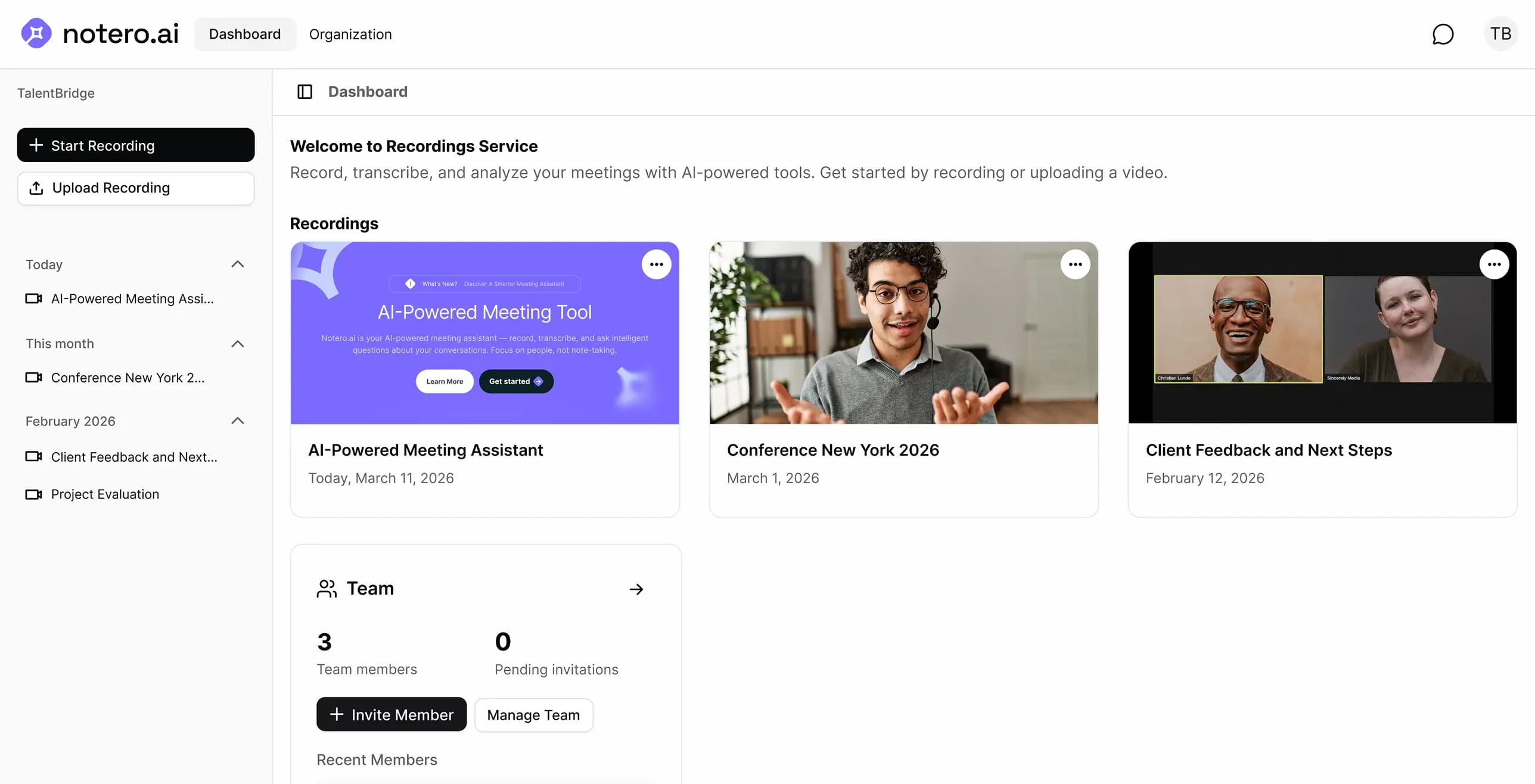
Notero uses advanced AI speech recognition to deliver highly accurate transcripts with speaker labels and timestamps. It supports 60+ languages and performs at a professional level in standard meeting conditions.
Yes. You can upload video or audio files directly to Notero. The AI will transcribe, summarize, and make them fully searchable - just like a live meeting.
Yes. Recordings are encrypted in transit (TLS) and at rest (AES-256) in AWS S3 in Frankfurt. The app and database run in London. Meeting bots capture video in Recall.ai's EU region (Frankfurt), then we store a copy in our S3 bucket. We do not sell your meeting content. Subprocessors such as Recall, Soniox, and OpenAI process data only to provide the Service — details are in our Privacy Policy.
The Free plan includes 300 credits that you can use for transcription, AI summaries, and the AI assistant. It's a great way to experience Notero and see how it fits into your workflow before upgrading.
After your meeting is recorded and transcribed, you can ask the AI assistant any question about the conversation. For example: "What action items were assigned?" or "What did Sarah say about the deadline?" — the AI searches your meetings and gives you an instant, accurate answer.
Yes. If you leave while someone else is still on the call, Notero will stay for up to 10 more minutes. This applies whether the remaining participant is a person or another meeting bot.