Feature-by-Feature Comparison
Recording & Transcription
Notero and Fathom are both capable of automatically joining your calendar events and recording meetings across popular platforms like Zoom, Google Meet, and Microsoft Teams. They provide high-quality transcripts with speaker identification.
| Feature | Notero | Fathom |
|---|
| Platforms | Zoom, Google Meet, Teams | Zoom, Google Meet, Teams |
| Auto-join via calendar | Yes | Yes |
| Speaker identification | Yes | Yes |
| High-quality transcripts | Yes | Yes |
VerdictNotero and Fathom offer similar capabilities in recording and transcription.
AI Summaries
After a meeting ends, both tools generate a summary highlighting the key topics, decisions, and action items. Notero's summaries are slightly more detailed and structured, separating action items, key decisions, and discussion points for easier scanning and information retrieval.
VerdictBoth provide useful summaries, with Notero's being a bit more detailed and organized.
AI Assistant
Notero allows users to ask the AI assistant questions about past meetings and receive instant answers with relevant quotes from the transcript. This interactive Q&A feature can save significant time when trying to recall specific details. Fathom provides keyword search functionality but lacks this interactive component.
VerdictNotero's interactive AI assistant gives it an advantage in quickly surfacing specific information.
Dashboard & Organization
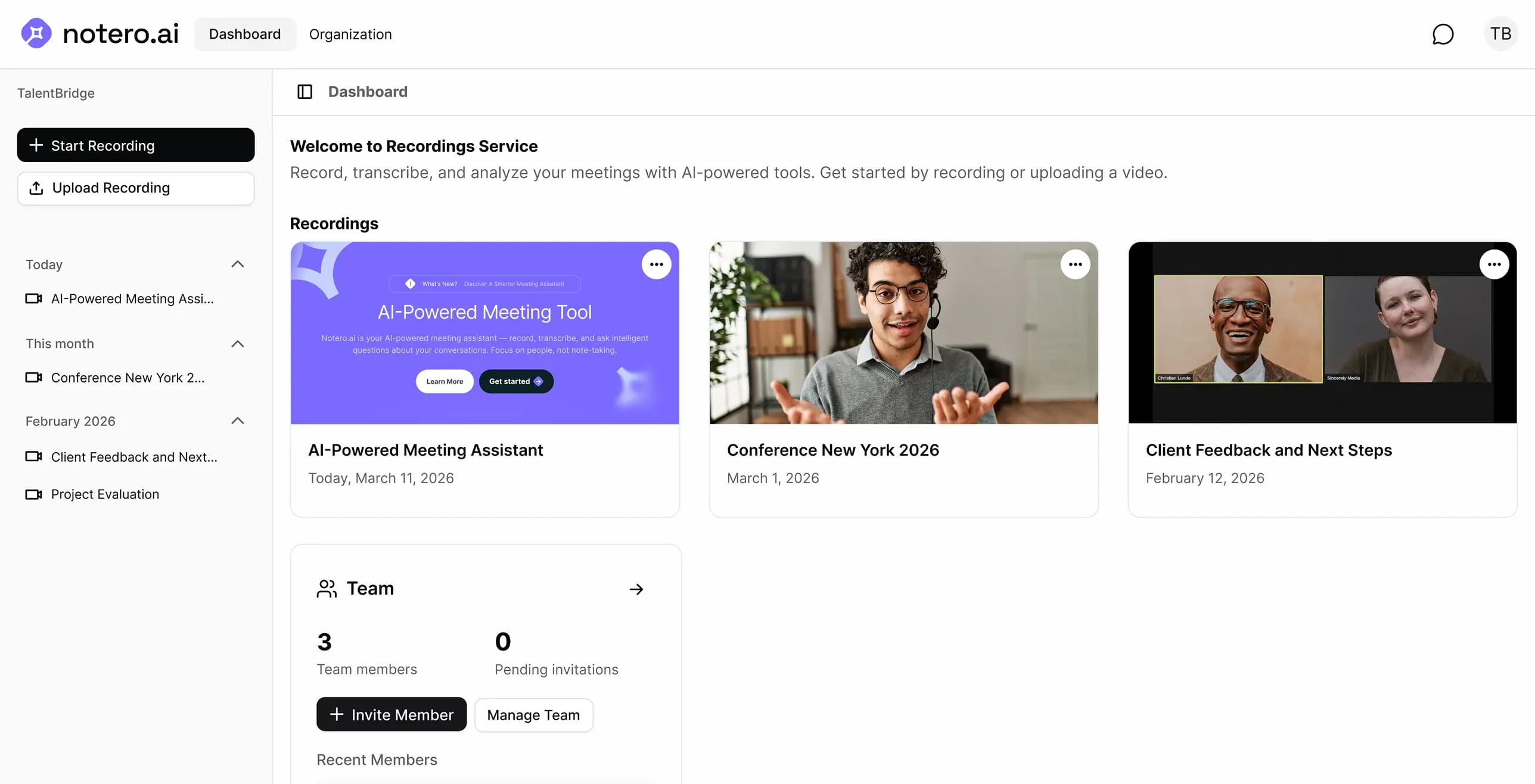
With Notero, your entire team can access meeting records, transcripts, and summaries in one place, ensuring everyone stays informed. Fathom also offers collaboration features, allowing teams to stay aligned.
VerdictBoth tools facilitate team collaboration and information sharing.
Integrations
Both tools connect to the major meeting platforms — Zoom, Google Meet, and Microsoft Teams — and can join meetings from your calendar automatically.
Notero is built around a browser-first workflow, so your team can open transcripts, summaries, and the AI assistant without installing extra software. Fathom also supports popular meeting platforms, with some features available through a desktop application.
VerdictBoth cover the core meeting platforms. Notero's web-first approach may fit teams that prefer fewer installs.
Apps & Platforms
One key difference is that Fathom requires users to download a desktop application to access certain features. Notero, on the other hand, is fully web-based, allowing users to access all features without any additional downloads.
| Feature | Notero | Fathom |
|---|
| Fully web-based access | Yes | — |
| Desktop app required for some features | — | Yes |
| Access all features in the browser | Yes | — |
VerdictNotero's fully web-based interface may be more convenient for some teams.
Security & Privacy
Both Notero and Fathom handle sensitive meeting content — recordings, transcripts, and summaries — so privacy and data handling matter for any team.
Notero takes a privacy-first approach to meeting data and encrypts information as part of its platform design. As with any meeting assistant, review each vendor's security and privacy documentation against your team's compliance needs.
VerdictBoth are suitable for business meeting capture. Confirm the security details that matter most for your organization.
Pricing
Fathom charges $49/month per user, which can add up quickly for larger teams. Notero offers a flat rate of $15/month for your entire team, regardless of size.
Real Cost for Teams
| Team Size | Notero | Fathom |
|---|
| 1 person | $15/mo | $49/mo |
| 5 people | $15/mo | $245/mo |
| 10 people | $15/mo | $490/mo |
- Notero's $15/month price stays flat no matter how many teammates you add
- Fathom's $49/user/month pricing scales linearly with headcount
- For a team of 10, that's $15/month with Notero vs $490/month with Fathom
VerdictNotero is more cost-effective, particularly for growing teams.
So, Which One Should You Choose?
Both Notero and Fathom are capable AI meeting assistants. They share the same core functionality, and the differences are in approach, platform coverage, and pricing:
Choose Fathom if:
- You already prefer Fathom's desktop workflow and keyword search is enough for your team
- You're evaluating tools primarily for individual use rather than flat team pricing
Choose Notero if:
- You want interactive AI Q&A over past meetings, not just keyword search
- You prefer a fully web-based tool with no desktop downloads required
- You want flat $15/month pricing for the entire team instead of per-seat billing
- You value more detailed, structured AI summaries with clear action items and decisions
The Bottom Line
Notero and Fathom are both powerful AI meeting assistants that can help teams work more efficiently. They offer similar core features, with Notero edging ahead in areas like interactive AI assistance, ease of use, and pricing.
Ultimately, the best choice for your team will depend on your specific needs and priorities. If you value simplicity, cost-effectiveness, and the convenience of a fully web-based solution, Notero is definitely worth considering.
Why not experience the power of Notero for yourself? Sign up for a free trial today at notero.ai and see how it can transform your meetings. No credit card required, no commitment, just smarter meetings from day one.
Your future self (and your team) will thank you for taking this step towards more productive, actionable, and insightful collaboration.